


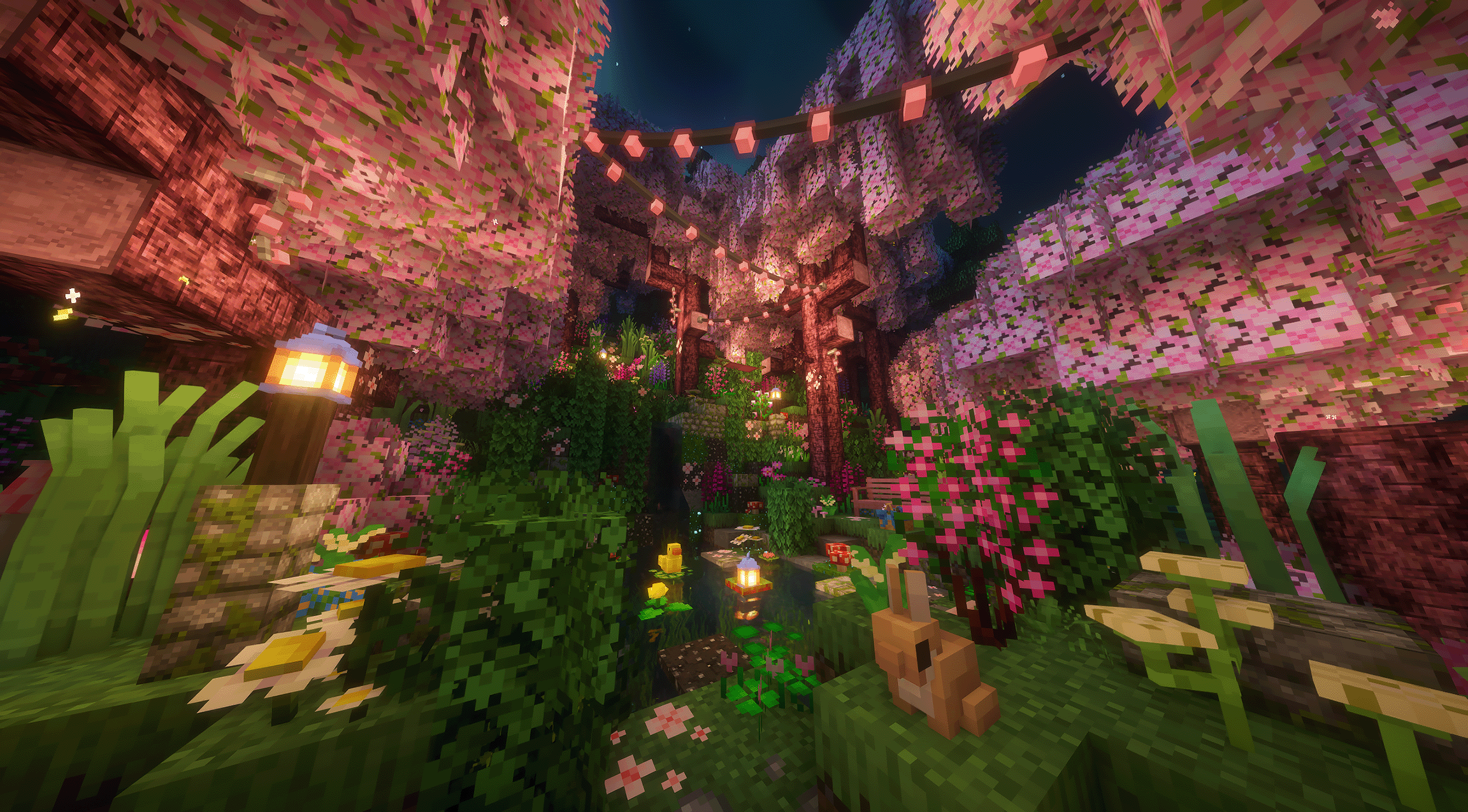
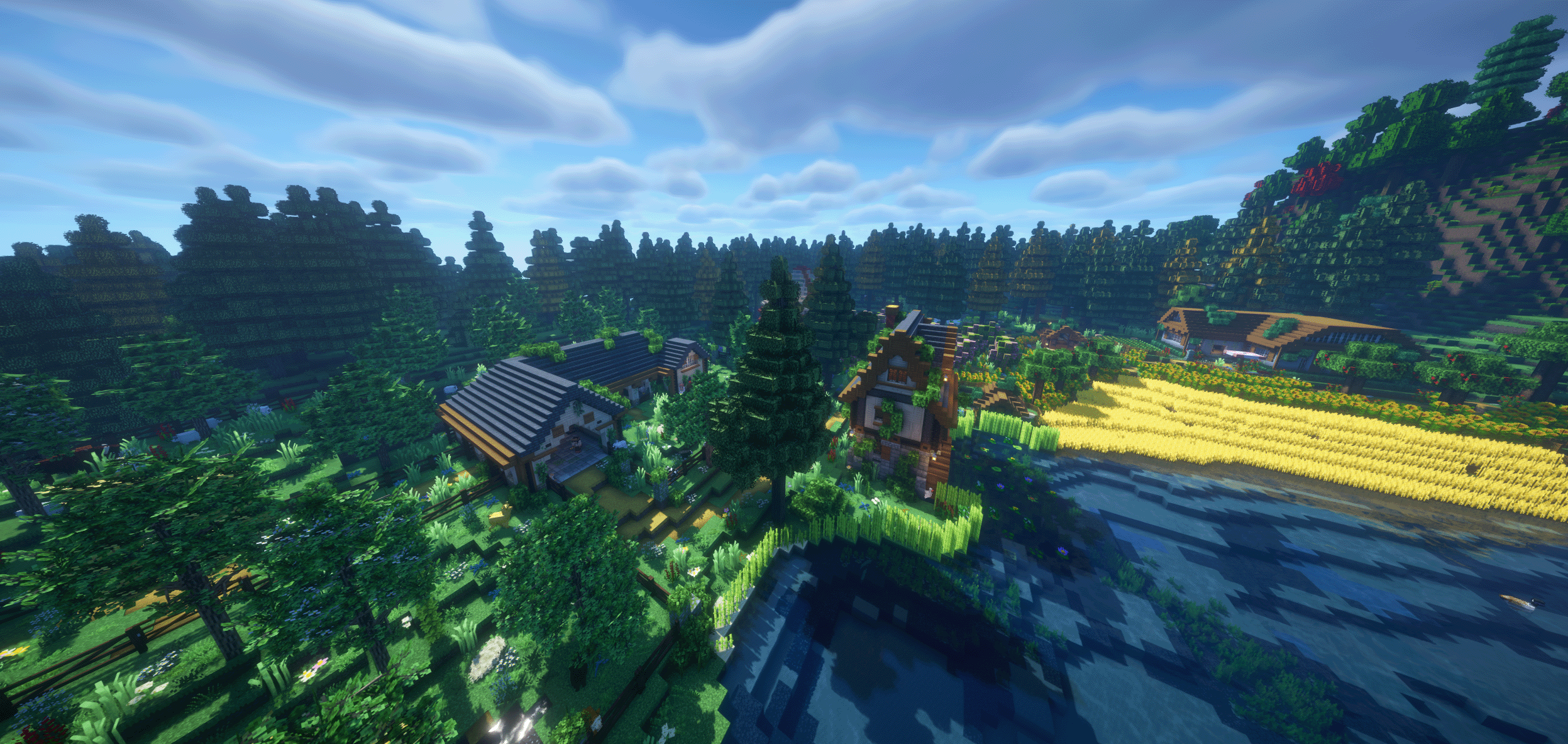
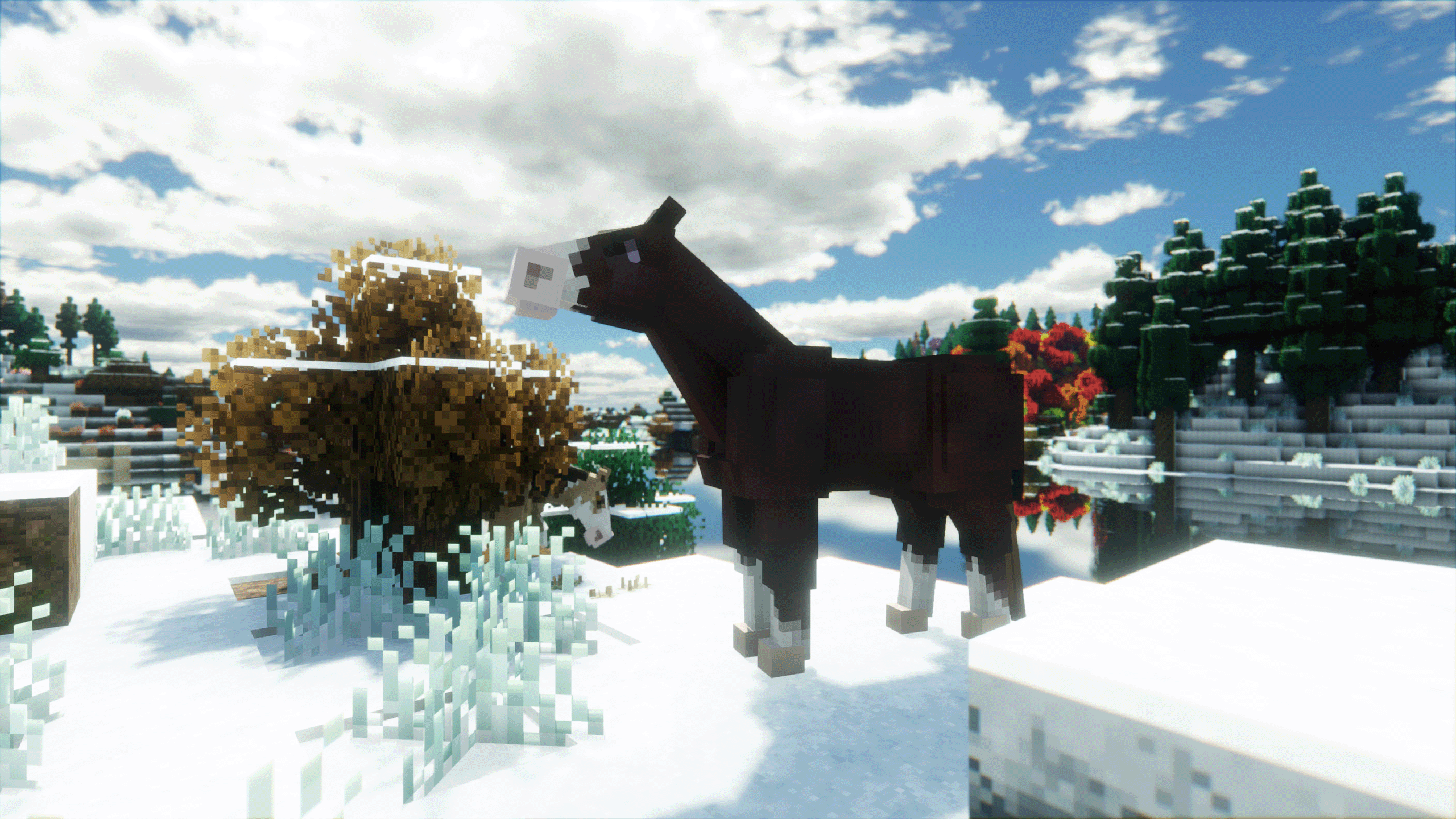

A vanilla plus Forge 1.20.1 modpack focused on building, farming, wildlife, exploration, and relaxed multiplayer.
Getting Started
How to Join
First, make sure you have the CurseForge app installed. After that, choose the version that fits how you want to play and click Install Modpack That is basically it.


Singleplayer + Your Own Server
Singleplayer & Self Hosting
Use the main Cozy Zen modpack for normal singleplayer and if you want to host your own Cozy Zen server.
1Install the CurseForge app.
2Open Cozy Zen and click Install Modpack
3Launch the pack and play.
Want an easy server setup? You can host your own Cozy Zen server with a one click modpack installer with Kinetic Hosting.
7 to 8 GB RAM recommended
Do not manually update mods

Play on Cozy Zen SMP
Public SMP
Use Cozy Zen Server Edition if you want to join our public SMP. It is already configured for the server so you can install it and jump right in.
1Install the CurseForge app.
2Open Cozy Zen Server Edition and click Install Modpack
3Launch it. The Cozy Zen server is already loaded in and ready to join.
Plug and play. The server entry and server-side setup are already configured for the public SMP.
7 to 8 GB RAM recommended
Do not manually update mods
Inside Cozy Zen
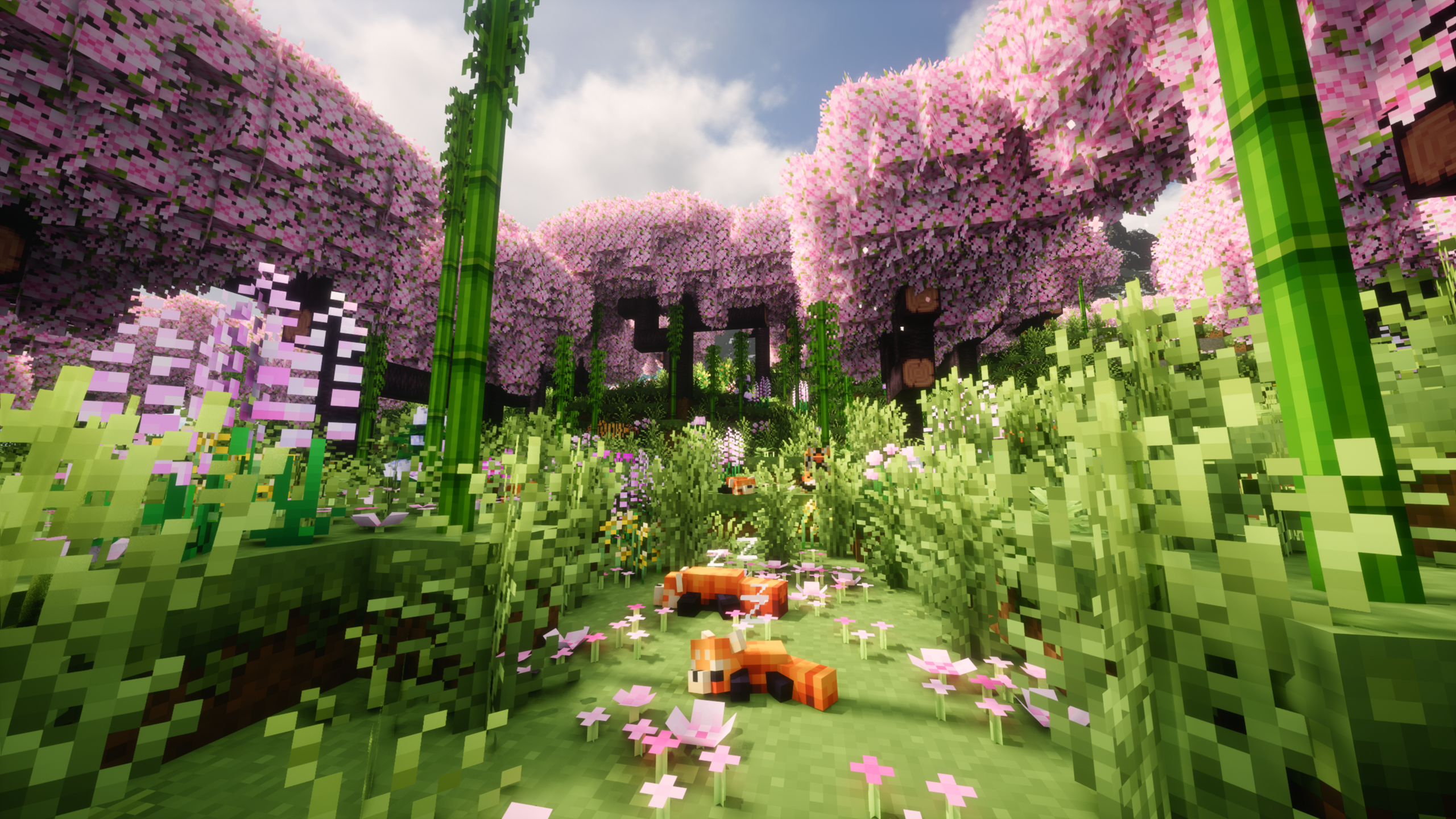
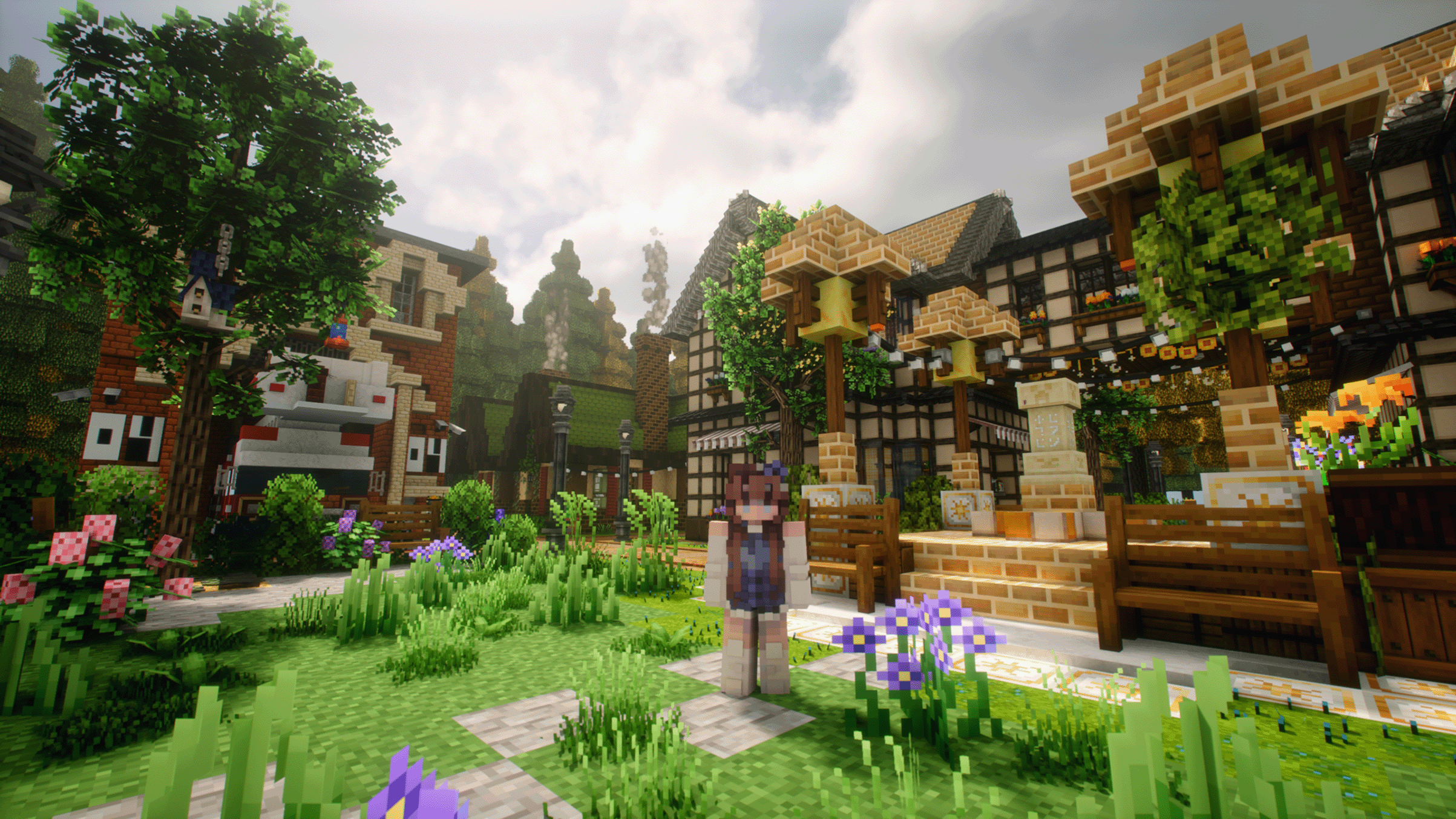
Cozy Zen is a warm vanilla plus modpack built around creativity, comfort, and gentle adventure. Decorate and build, expand your farming and fishing, explore improved biomes and villages, and fill your world with wildlife and companions. Most of the experience is relaxed, but a few hidden surprises, creatures, and adventures are tucked in for players who enjoy a little mystery. Improved seasons, ambience, visuals, and quality of life features keep Minecraft familiar while making every session feel like a cozy getaway.
Building & Decoration
Furniture, landscaping, lighting, clutter, paths, connected textures, better leaves, and plenty of cozy building pieces.
Macaw’s · Handcrafted · Yuushya · Another Furniture · Block Pack

Farming & Homesteading
Expanded crops, recipes, fishing, storage, horses, and companions for a richer homestead life.
Farmer’s Delight · Croptopia · Genetic Animals · Legendary Farming · SWEM
Wildlife & Companions
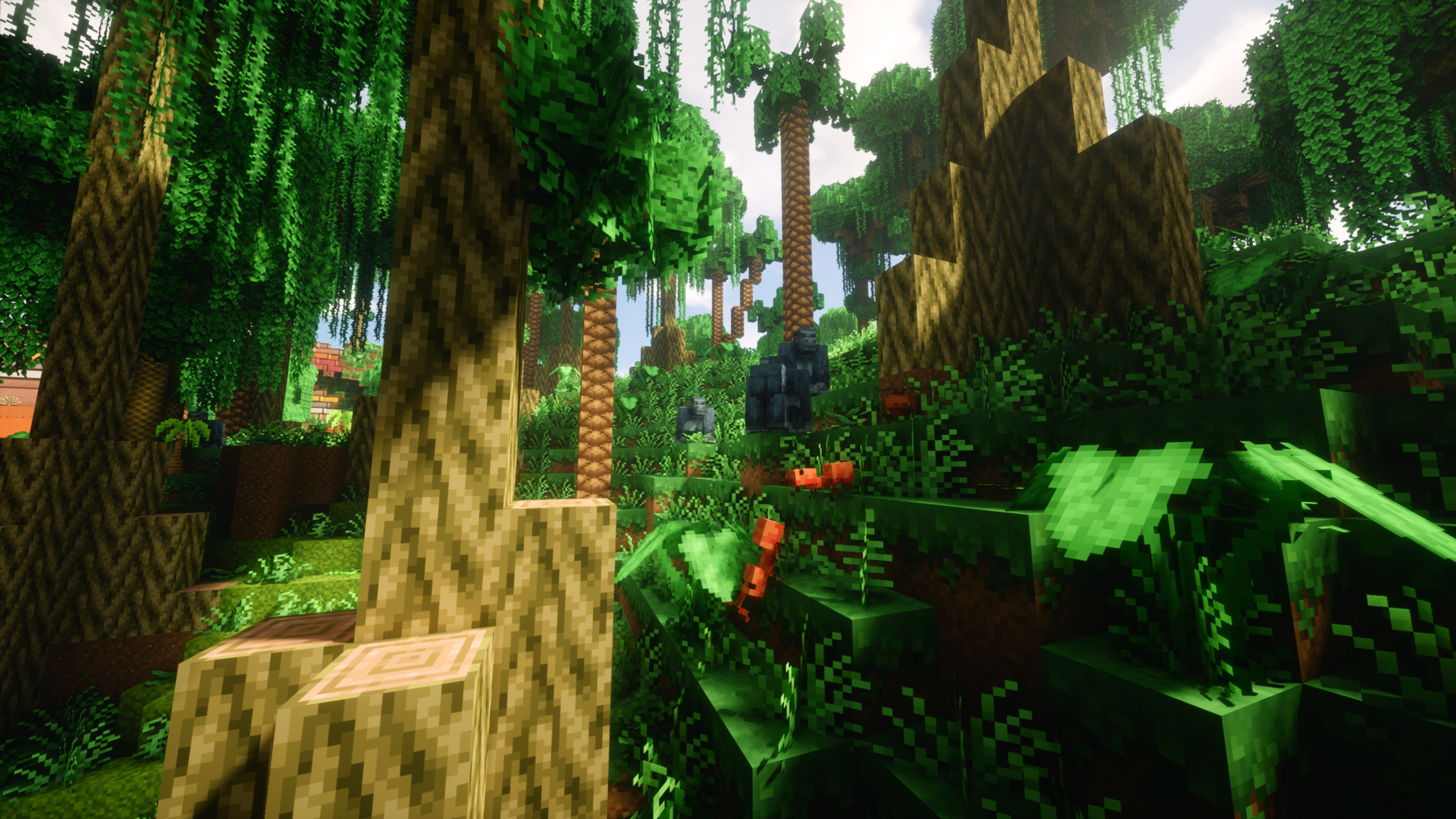
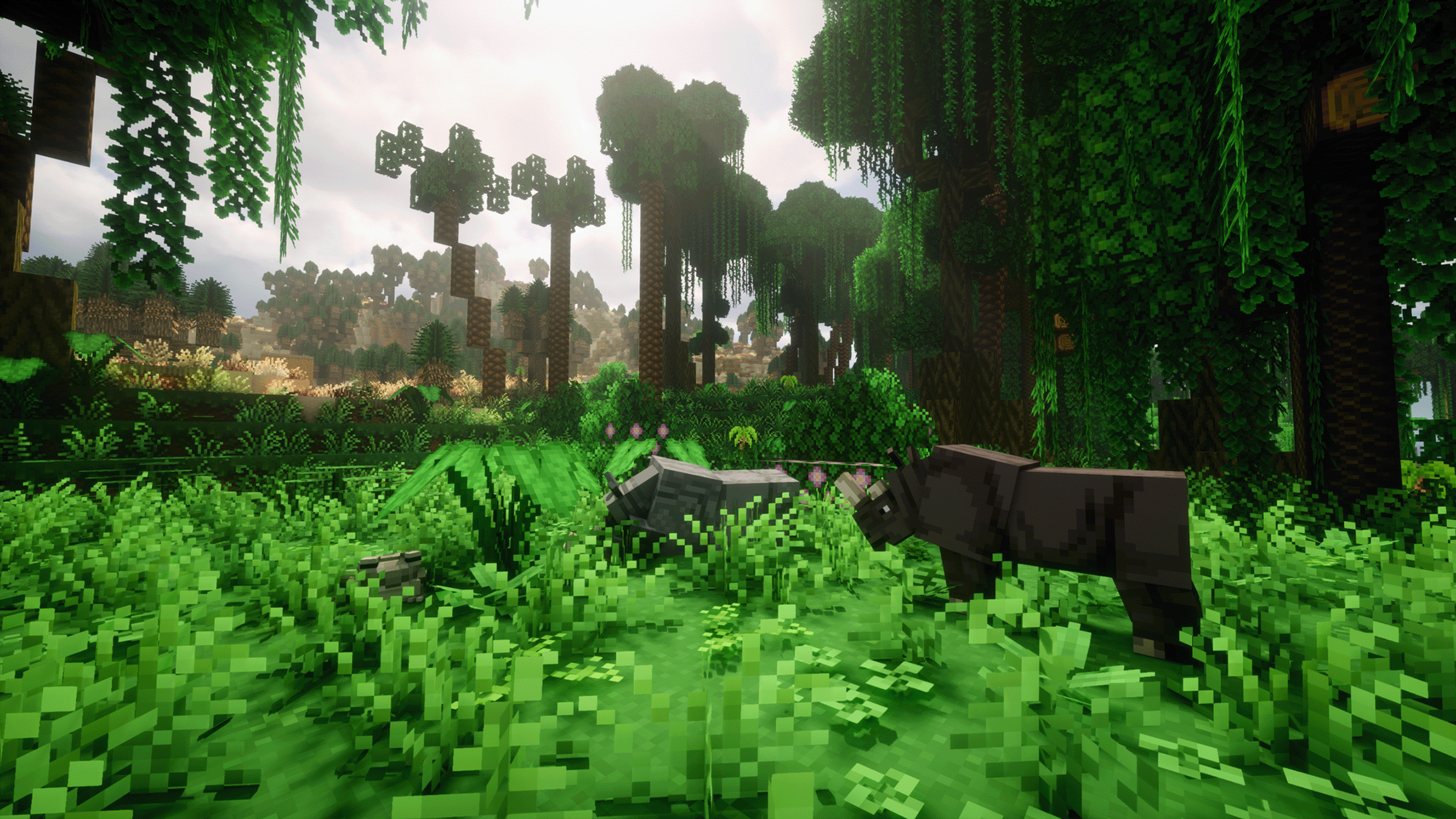
50+ new creatures, pets, ambient wildlife, mounts, and easier ways to move animals around your world.
Alex’s Mobs · Critters and Companions · Faunify · Mythic Mounts · Hamsters
Exploration & Adventure
New biomes, villages, structures, reefs, boats, seasons, quests, and hidden discoveries that reward wandering.
Terralith · Regions Unexplored · YUNG’s · Towns & Towers · Lootr
Atmosphere & Visuals
Shaders, particles, weather, ambient sounds, lighting, and animations that make the world feel softer, livelier, and more immersive.
BSL Shaders · Helian-MMCO · Complementary · AmbientSounds 6 · Particle Effects
Quality of Life & Performance
Performance-focused mods, cleaner UI, minimap tools, visual polish, and small conveniences that keep the pack smooth and low stress.
Embeddium · ModernFix · FerriteCore · Jade · AppleSkin · Mouse Tweaks
Cozy Zenith Community
Hang out with us on Discord.
Get modpack help, server updates, events, mod finds, builds, and meet the rest of the Cozy Zen community.
● Online right now
Checking…
members online
Recommended Game Hosting
Game Hosting with Kinetic
If you would like to host your own Minecraft or other game server, I recommend Kinetic Hosting. I have been with them for over 6 months and they have some of the best prices I have found.

Need Help?
Frequently Asked Questions
Quick answers to some of the most common Cozy Zen setup questions.
I am missing mods, have different versions, or cannot join the server. What should I do?
First, make sure you downloaded the latest version of Cozy Zen Server Edition, not the main singleplayer pack. If you manually updated any mods, delete the pack and do a clean install of Server Edition. Do not manually update individual mods.
My game is stuck loading. What should I do?
First, check that you have around 7 to 8 GB of RAM allocated to the modpack. If it is still struggling to load, temporarily move the texture packs out of the resourcepacks folder and try again to see if your PC is having trouble loading them.
Which Cozy Zen version should I download?
Use the main Cozy Zen modpack for singleplayer or if you are hosting your own server. Use Cozy Zen Server Edition if you are joining the public Cozy Zen SMP.
Can I update or add mods myself?
For the public SMP, do not manually update or replace mods in Server Edition. The client and server need matching versions. Wait for the official Server Edition update so everything stays compatible.
I have another issue that I cannot figure out. What should I do?
That is okay. Please join our Discord server, agree to the rules so you can see all of the channels, and post your issue in our game and tech support channel. Please provide as much context as possible, including screenshots and your latest or crash logs when relevant, so I have enough information to help debug the issue.
Does it cost money to play on the server?
No. The Cozy Zen SMP is completely free to play. If you would like to support the server and get cosmetic perks, you can join us on Patreon. Just make sure to reach out in Discord afterward so we can help you claim your perks.